Quick Answer
For renters, families and home cooks who want hands-free phone viewing in a bathroom or kitchen, install a shower phone holder on one smooth, flat tile rather than across grout or textured stone. Verify the phone fits first, clean and fully dry the tile, place the adhesive bracket once and press it evenly. The Obsoorth OB-1014W adds a wall-mounted protective case, touch-accessible cover and 360-degree viewing adjustment, but it does not override the phone maker's limits for water, steam or charging. Wait the exact time stated by the supplied adhesive instructions, test the empty holder and insert only a dry phone after the mount remains stable.
Check the exact configuration
Who is this shower phone holder for?
This setup is for someone who has a smooth wall surface and wants the phone visible without balancing it on a wet shelf. It can support viewing a timer, recipe, video or audio controls while the phone remains inside the case. It is not the right choice when the only available surface is loose, porous, heavily textured, cracked or continuously wet behind the adhesive.
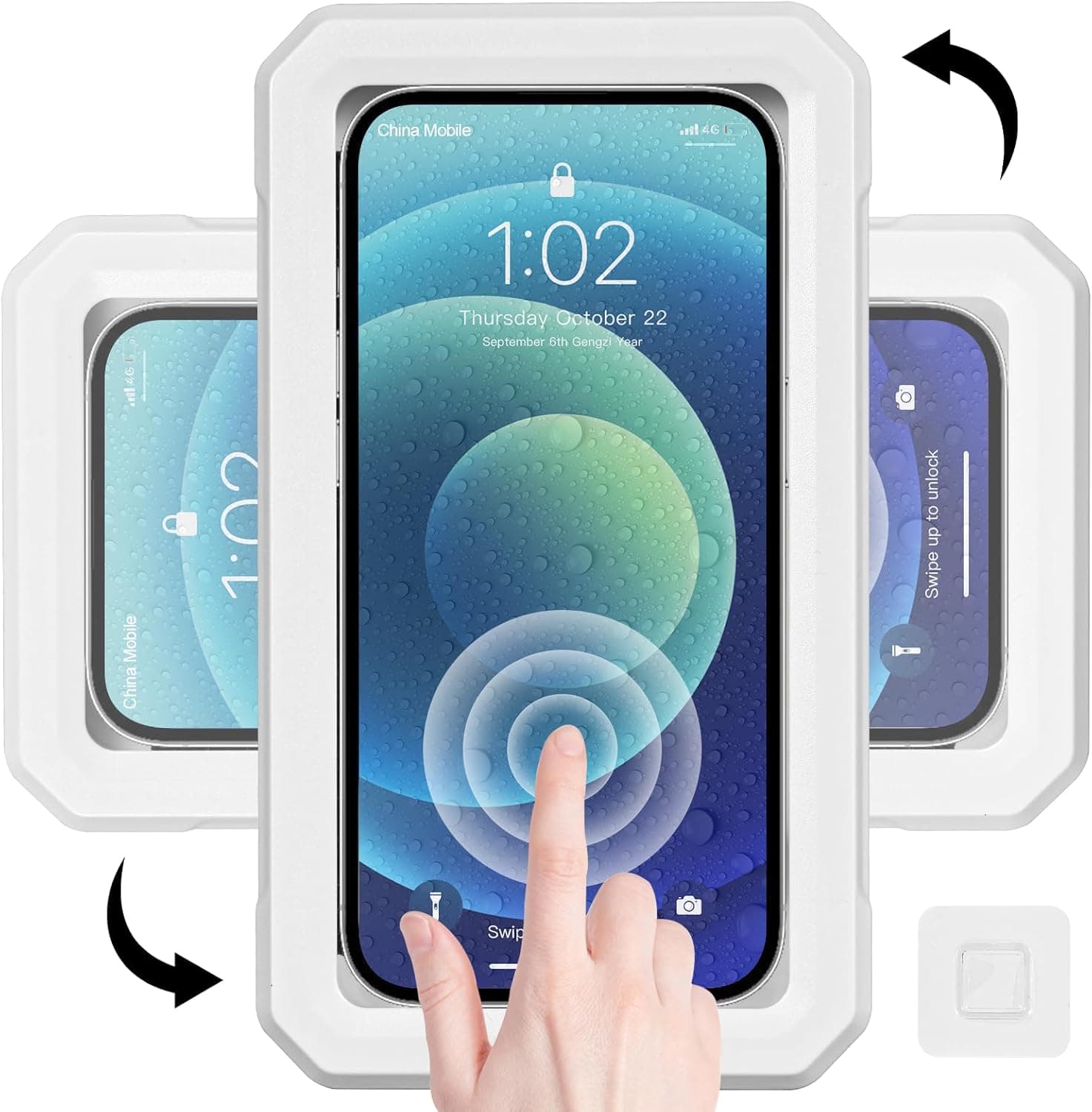
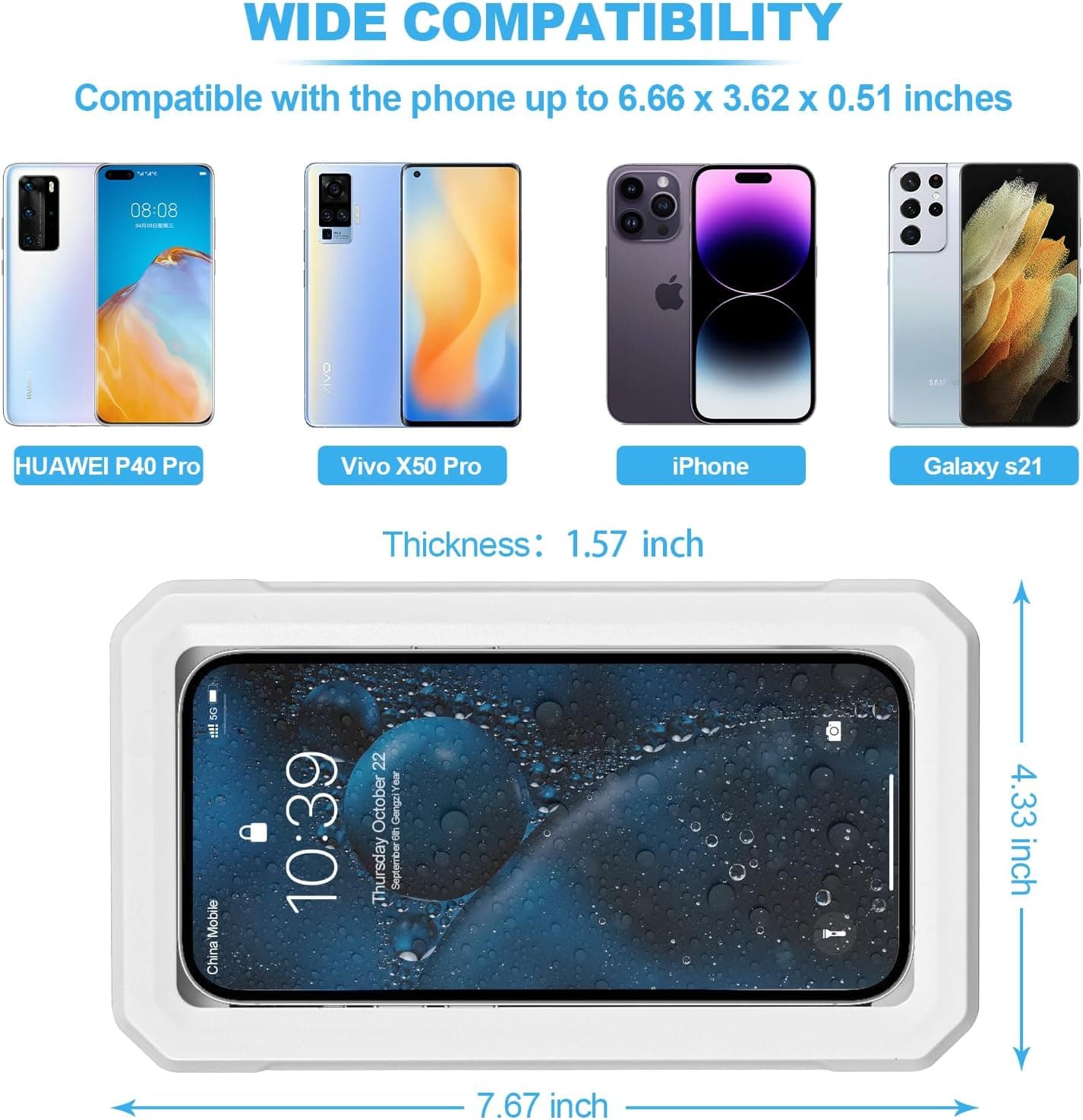
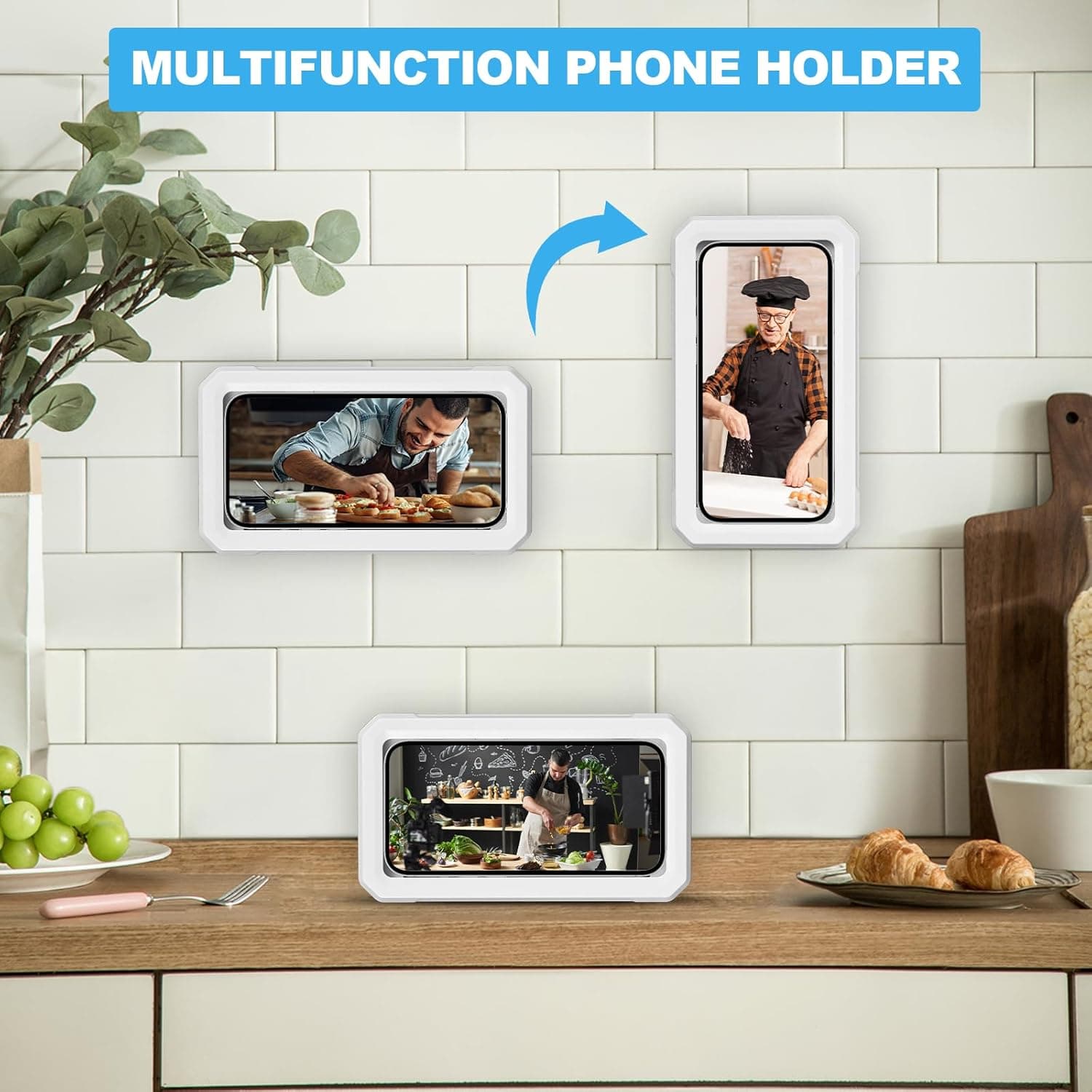
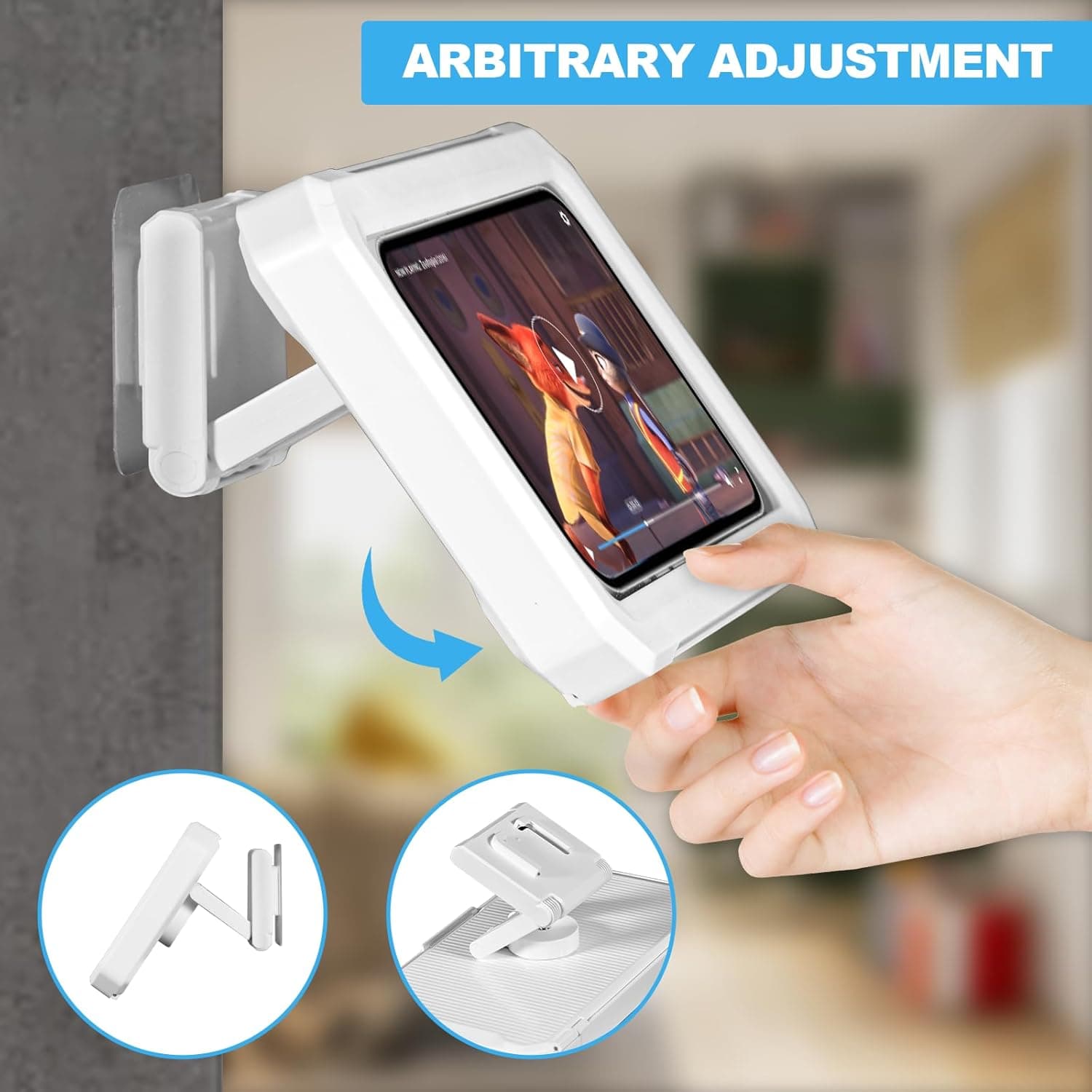
The white OB-1014W shower phone holder measures 7.67 × 4.33 × 1.57 inches. Its verified record lists a phone space up to 6.66 × 3.62 × 0.51 inches, a sealed protective case, touch-accessible screen cover and rotation for horizontal or vertical viewing. Measure the phone with its case installed rather than relying only on diagonal screen size.
Choose the mounting surface
Which bathroom surfaces are suitable for an adhesive holder?
The exact listing shows installation on smooth tile, glass and a mirror, while general adhesive guidance emphasizes a unified, clean and dry bonding surface. Surface condition matters more than the room name: a clean bathroom tile may be a good candidate, while the same tile covered with soap film or condensation is not.
| Surface | Use decision | Condition to check |
|---|---|---|
| Smooth glazed tile | Best candidate | One flat tile, clean, dry and free of cracks or residue |
| Glass or mirror | Listing-supported candidate | Flat, clean, dry and positioned with opening clearance |
| Grout or caulk line | Avoid | Uneven contact and retained moisture can interrupt the bond |
| Textured or porous stone | Usually unsuitable for this adhesive setup | Use only when both surface and mounting instructions approve it |
| Painted wall | Conditional | Paint must be sound; removal may damage the finish |
Do not turn a product claim into a phone warranty
A waterproof or anti-fog holder describes the enclosure, not every phone placed inside it. Apple specifically advises against exposing an iPhone to high-velocity water such as a shower, and Google advises keeping Pixel phones out of showers, saunas and baths. Treat the case as an additional barrier and follow the exact phone manufacturer's instructions.
Step-by-step installation
How do you install a shower phone holder on smooth tile?
Step 1
Confirm the phone fits before mounting anything
Measure the phone with its everyday case installed. The verified OB-1014W record lists a maximum phone space of 6.66 × 3.62 × 0.51 inches, so all three dimensions matter. Place the phone in the holder while it is still off the wall, close the case without forcing it and confirm that buttons are not held down.
Step 2
Choose a smooth, flat and reachable tile
Select one continuous area of smooth tile large enough for the adhesive bracket. Keep the bracket off grout lines, textured relief, cracks, loose finishes and silicone caulk. Position it where you can open the case and rotate the screen without the holder hitting a shelf, control or corner.
Step 3
Keep the location away from charging equipment
Plan the location for battery-powered viewing only. Do not route a charging cable, power adapter or extension cord into the shower or wet zone. Apple and Google both warn against charging a wet phone, and Google notes that phone chargers and accessories are not water resistant.
Step 4
Clean the tile and let it become fully dry
Remove soap film, oil, dust and cleaner residue using a method approved for the wall finish and adhesive instructions. Use a clean lint-free cloth for the final wipe and allow all moisture and condensation to disappear. Do not apply the bracket immediately after a hot shower, when the tile may look dry but still carry condensation.
Step 5
Mark the bracket position before exposing the adhesive
Hold the bracket against the dry tile and check height, clearance and viewing direction. Mark a light reference point outside the adhesive area with a removable method suitable for the tile. This dry fit prevents repeated repositioning after the adhesive touches the wall.
Step 6
Apply the bracket once and press it evenly
Remove the liner without touching the adhesive face, align the bracket with the reference mark and place it once. Press firmly and evenly across the complete bonding area as the included instructions direct. General pressure-sensitive tape guidance from 3M explains that good surface contact and firm application pressure support bond development, but it does not prove that this product uses 3M tape.
Step 7
Wait, attach the empty holder and test before loading
Follow the exact waiting or cure time supplied with the adhesive bracket; the verified product record does not state one universal duration. After that period, attach the empty holder, check that the bracket does not shift and operate the door and rotation gently. Insert the dry phone only after the mount remains stable, then close the protective case completely before use.
Prevent avoidable failures
What installation mistakes make an adhesive holder less reliable?
| Mistake | Why it matters | Better action |
|---|---|---|
| Mounting across grout | The bracket loses continuous contact | Use the center of one smooth tile |
| Applying over soap film | Residue sits between adhesive and wall | Clean with a surface-approved method and dry fully |
| Installing after a hot shower | Condensation may remain on the tile | Wait for the wall and room to become dry |
| Peeling and repositioning | First contact may reduce later adhesion | Dry-fit, mark and place the bracket once |
| Loading immediately | The bond may not have developed as instructed | Wait the exact supplied cure time |
| Running a charger into the wet zone | Wet connectors and chargers create avoidable risk | Use battery power and charge later in a dry area |
Care and maintenance
How should you inspect and clean the holder after installation?
Remove the phone before cleaning. Wipe the outside screen cover, enclosure edges and hinge with a soft cloth using only a method compatible with the exact holder instructions. Dry the holder and surrounding tile rather than allowing residue to collect around the bracket.
Before each use, look for a lifting adhesive edge, bracket movement, a cracked case, damaged hinge or incomplete closure. Stop using the mount if any part shifts or no longer closes correctly. Replacing a failed adhesive with an unverified tape can change surface compatibility and removal behavior, so use the specified replacement method instead of improvising.
Review the exact product
Where can you check OB-1014W before buying?
Review the product page for verified dimensions, phone fit, images, model and ASIN, then use the exact Amazon listing to confirm the white variant and current availability. Browse the Home & Desk Organization collection for related holders and organizers, or return to the Obsoorth Blog for other task-based guides.
Frequently asked questions
Shower phone holder installation, answered
How do you install a shower phone holder on tile?
Confirm the phone fits, choose one smooth flat tile, clean and fully dry the surface, mark the position and apply the adhesive bracket once with even pressure. Wait the full time stated by the supplied instructions, attach the holder empty and check stability before inserting a dry phone.
Can you stick a shower phone holder over a grout line?
A grout line interrupts surface contact and can hold moisture, so it is a poor location for an adhesive bracket. Use one continuous smooth tile instead, or choose a mounting method specifically approved for the wall when no suitable tile area is available.
How long should you wait before using an adhesive shower phone holder?
Use the waiting or cure time supplied with the exact adhesive bracket. Bond development varies by adhesive, surface, temperature and humidity, so this guide does not substitute a generic number for missing product instructions.
What phone size fits the OB-1014W shower phone holder?
The verified product record lists phones up to 6.66 × 3.62 × 0.51 inches, and the Amazon listing describes compatibility with 4-to-7-inch phones. Measure the phone with its case because screen size alone does not confirm thickness or overall body dimensions.
Does a waterproof shower holder make every phone safe in a shower?
No. The holder is an additional enclosure, not a change to the phone manufacturer's water-use limits. Apple advises avoiding shower exposure for iPhones, and Google advises keeping Pixel phones out of showers, saunas and baths, so follow the instructions for the exact phone as well as the holder.
Can you charge a phone while it is inside a shower phone holder?
Do not bring a wired charger, adapter or extension cord into the shower or other wet zone. Phone manufacturers warn against charging when a device or connector is wet; use the holder only as a battery-powered viewing position and charge the phone later in a dry location.
How do you clean and maintain a wall-mounted shower phone holder?
Remove the phone, wipe the holder with a soft cloth using only a cleaning method compatible with its instructions, and dry the case edges and screen cover. Inspect the bracket, hinge, closure and protective case regularly, and stop loading the holder if the adhesive lifts, the bracket moves or the enclosure is damaged.
Sources and review method
What evidence supports this installation guide?
Model, ASIN, dimensions, phone fit, wall-bracket format and viewing features come from the verified OB-1014W catalog record, matching product images and exact Amazon page checked on Oct 4, 2026. Surface preparation is based on general adhesive-manufacturer guidance and does not identify the supplied bracket as a 3M product. Phone water and charging cautions come from official Apple and Google support guidance.
1. 3M: Surface Preparation for VHB Tape Applications
Manufacturer guidance explaining that bonding surfaces should be unified, clean and dry and that firm pressure improves adhesive contact.
Manufacturer application guidance covering surface cleaning, drying, alignment and pressure for pressure-sensitive tape bonds; cited as general practice, not as identification of the supplied adhesive.
3. Apple Support: Splash, Water and Dust Resistance of iPhone
Official phone guidance stating that water resistance is not permanent, advising against shower exposure and warning not to charge a wet device.
4. Google Pixel Help: Prevent Water Damage
Official guidance advising users to keep Pixel phones out of showers, saunas and baths and explaining that normal wear can reduce water resistance.
About the author
Obsoorth Editorial Team
The editorial team prepares product-use guidance from verified catalog records, matching product assets, exact marketplace pages and cited external references. The team separates model-specific facts from general adhesive practice and phone-manufacturer safety limits, and removes unsupported performance claims.